Handing out links
Personal athlete links
Every athlete gets a four character link. Anyone who gives through it is credited to that athlete without doing anything.
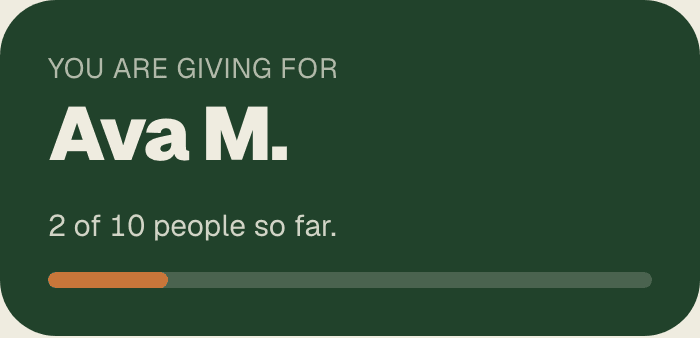
Every athlete on your roster has a link that ends in four characters, like /riverside/ab3d. It opens your normal program page, with that athlete already selected.
The donor does nothing. They do not pick a name off a list, they do not spell anything, and they cannot get it wrong. That is the entire idea.
The three buttons on every row
| Button | What it does |
|---|---|
| Copy link | Puts the link on your clipboard. Paste it into a text, an email, a group chat, anywhere. |
| Share | Opens your phone’s own share sheet with a ready written message, so it goes straight into Messages or WhatsApp. On a laptop it copies the message instead. |
| QR | Shows the QR code as an image you can screenshot or hold up. See How QR codes work. |
The button you pressed flips to say Copied or Sent for a moment. That confirmation is on the button itself, not at the top of the page, so you can see it on the eighteenth row without scrolling.
About the four characters
Codes never contain a zero, a one, an O, an I, or a lowercase L. Nobody has to work out whether that is a one or an l when they are reading it off a card in a parking lot.
Read next
Send out personal links
You hand these out, not us. Here are the four ways that actually work, in the order they work best.
How QR codes work
Every athlete has one and so does the team. Point a phone camera at it, no app needed.
General donations and the typeahead
A gift with no athlete attached stays with the program. It is never split across the roster.